828-683-5400

171 Weaverville Rd, Asheville, nc 28804
contact us

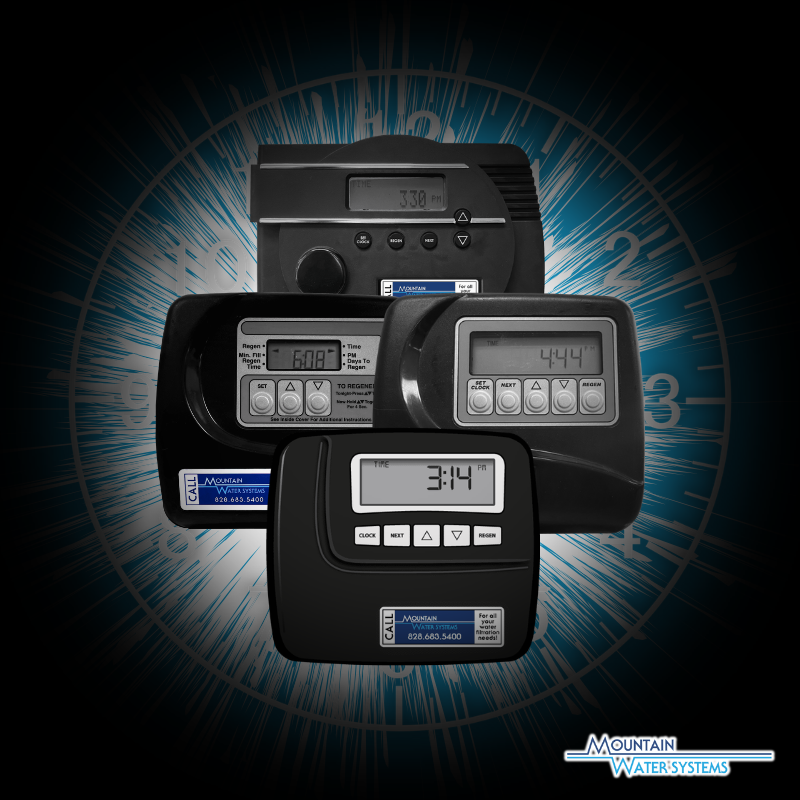
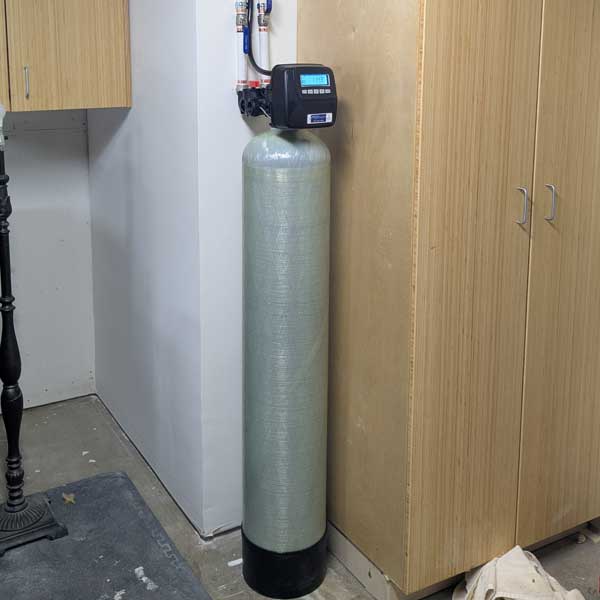
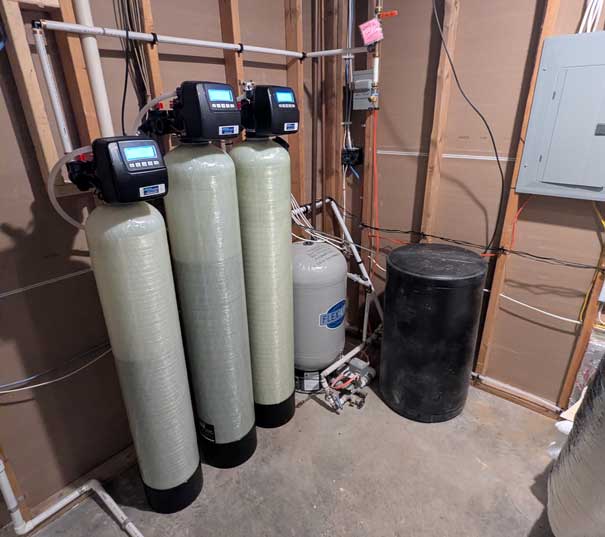
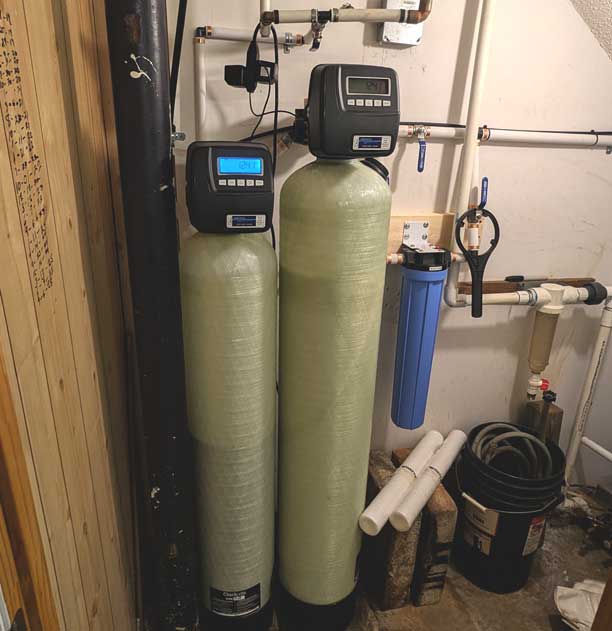
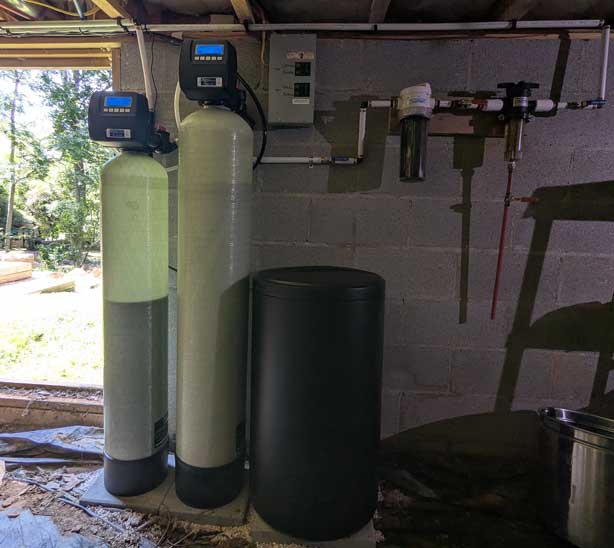
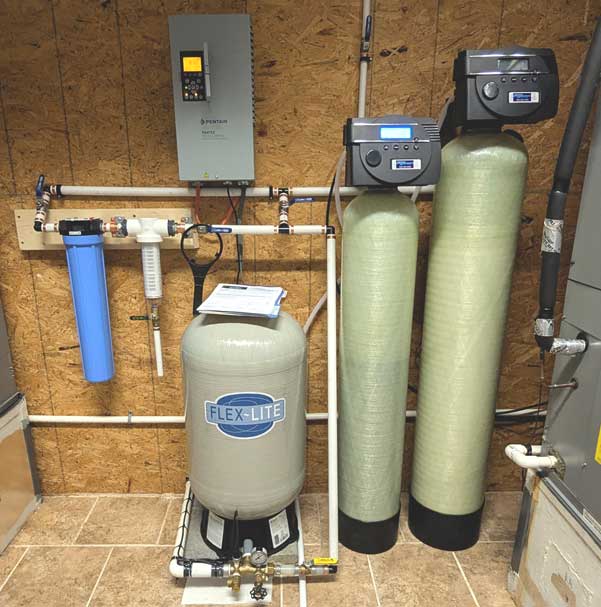
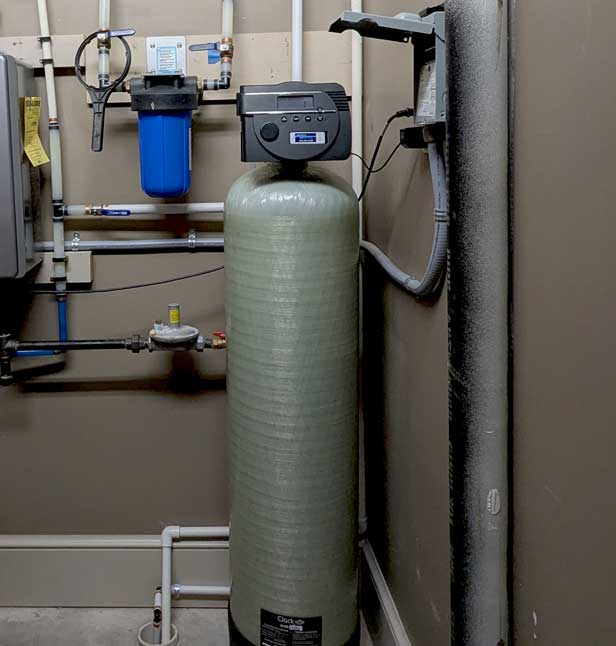
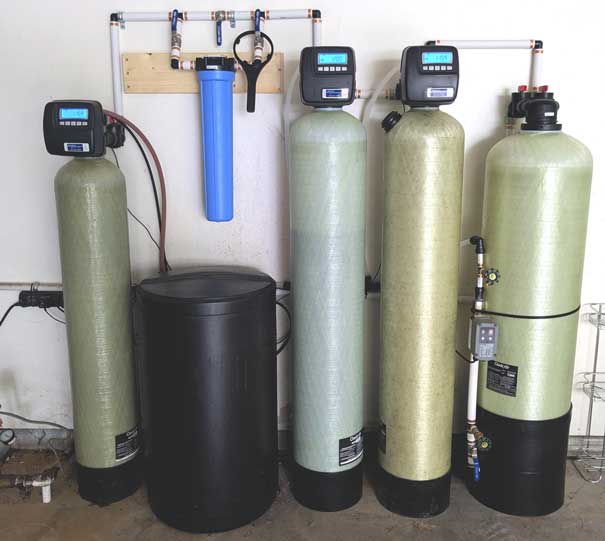
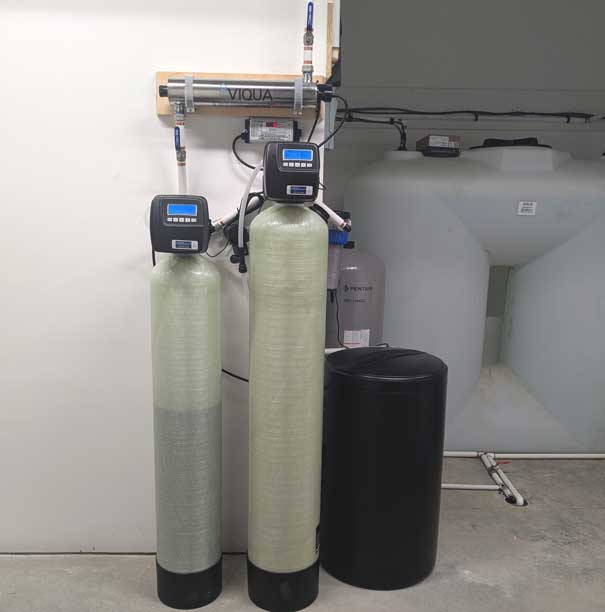
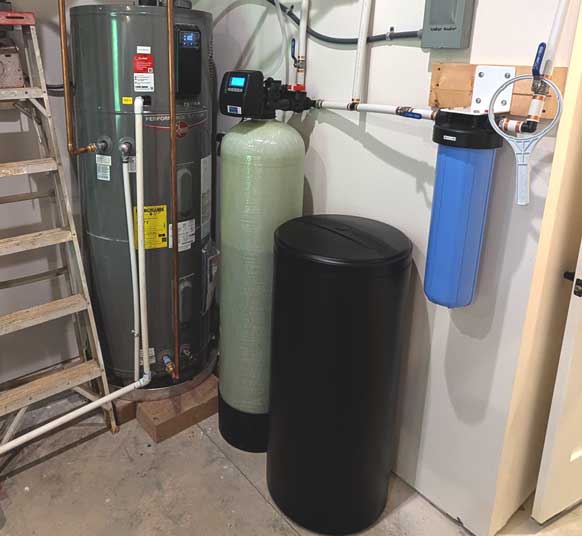
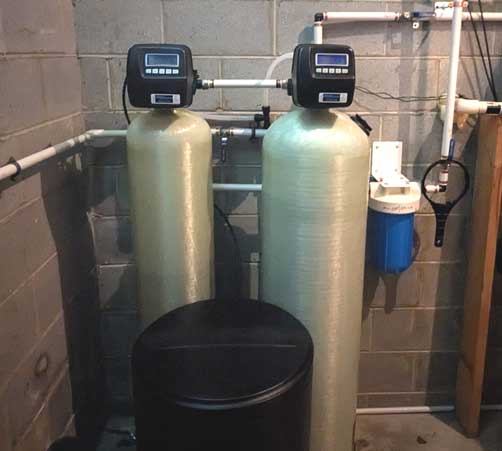
With wind, rain, and thunderstorms in the area (all too frequently) this summer in western North Carolina, it's important to check the times on the display of each backwashing filtration valve. Power surges, blips, and outages can frazzle the battery backup, causing the time on the display to be incorrect. When the time is wrong, the valves will backwash at the wrong time. If water is used (toilets flushed, dishwasher running, showers, etc.) while filtration is backwashing, water pressure can be affected and unfiltered water will be introduced into the plumbing.
Ideally, the time on the digital display should always be the current time of day. PLEASE PAY CLOSE ATTENTION TO "AM OR PM" ON THE DISPLAY. For step by step instructions on how to set the time for your specific valve, see our Troubleshooting page here. On valves that have a backlit display (usually a blue glow), you must press any button to light up the display before you can set the clock.
It's never a bad idea to put eyes on each valve from time to time, to verify that the time displayed is correct. If you suspect that your battery backup has failed or your particular valve is not equipped with a battery backup, contact us and we can discuss some options. Our equipment utilizes a CR2032 watch button style of battery, which can be found at many retailers. To change the battery, carefully remove the valve cover by unclipping each side and carefully pulling it off. The battery is located near the top of the computer board. You may need a pair of pliers to pinch the battery and remove it (slides up and out). We are also happy to change the battery for you at your routine service appointment. Either way, please let us know how we can help and remember, it's time!











.jpg)